

Managing Integrations
Create and manage integrations that connect Validio to external services used by notification channels.
Integrations store the connection details and credentials that Validio uses to reach external services such as Slack, Microsoft Teams, Jira, ServiceNow, email servers, and custom webhooks. Each notification channel references an integration to know where and how to send alerts, so you configure an external service once as an integration and then reuse it across many channels.
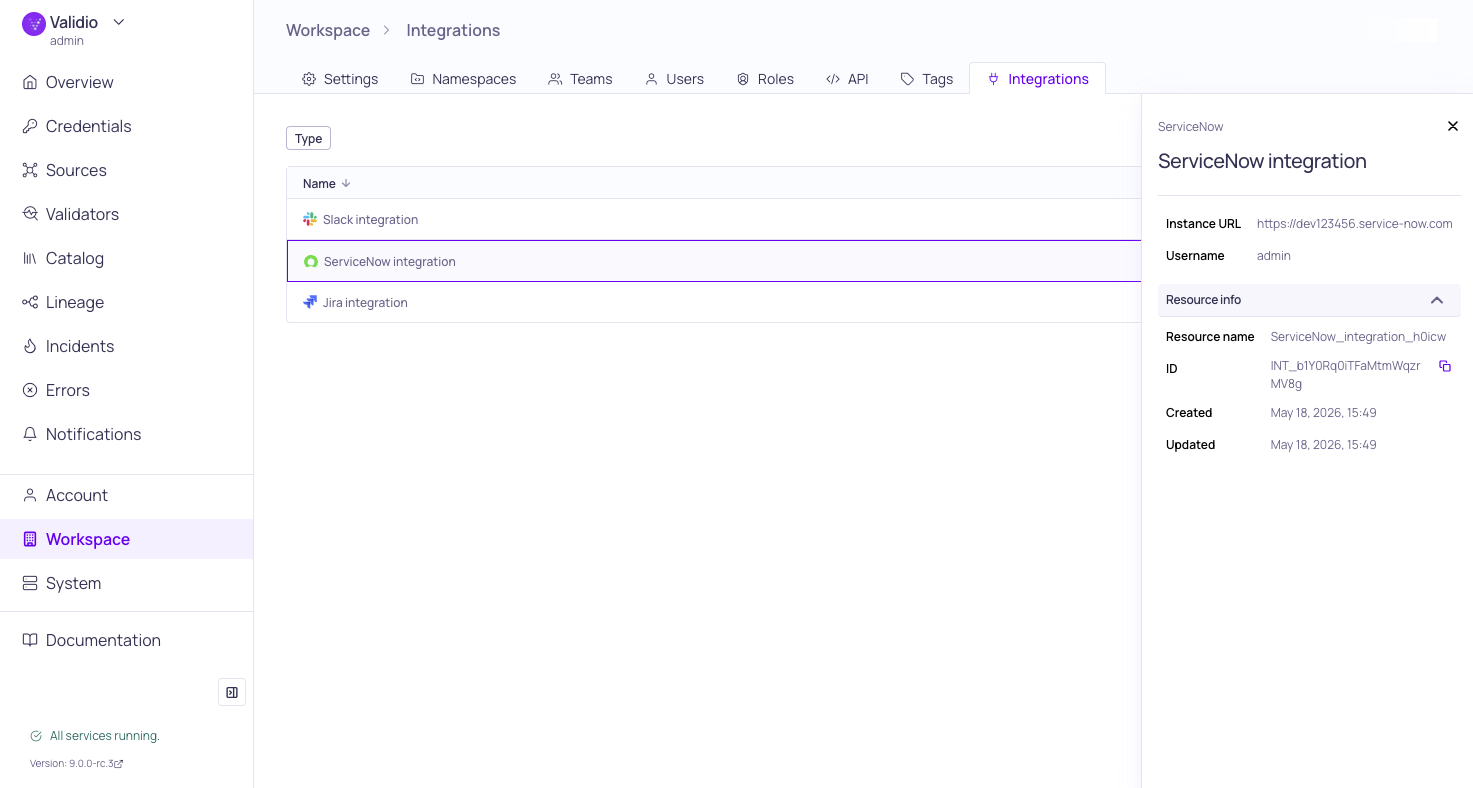
Integrations page with sidebar
Integrations and Notification Channels
An integration represents the connection to an external service account (for example, a Slack workspace, a Jira instance, or an SMTP server). A notification channel references an integration and adds the destination details for that service, such as a specific Slack channel ID, a Jira project key, or recipient email addresses.
This separation lets you:
- Manage credentials and authentication in one place per external service.
- Create many channels from a single integration, for example, routing different incident types to different Slack channels that all share one Slack app.
- Rotate a credential once and have every dependent channel continue to work.
For the list of supported integration types and their channel configurations, see Notification Channels.
Supported Integration Types
| Integration Type | Use Case |
|---|---|
| Slack | Post alerts to Slack channels. See Slack. |
| Microsoft Teams | Post alerts to Teams channels. See Microsoft Teams. |
| Send rich HTML email notifications. See Email. | |
| Jira | Create and sync Jira issues. See Jira. |
| ServiceNow | Create and bidirectionally sync ServiceNow incidents. See ServiceNow. |
| Webhook | Send JSON payloads to any HTTP endpoint. See Webhooks. |
Create an Integration
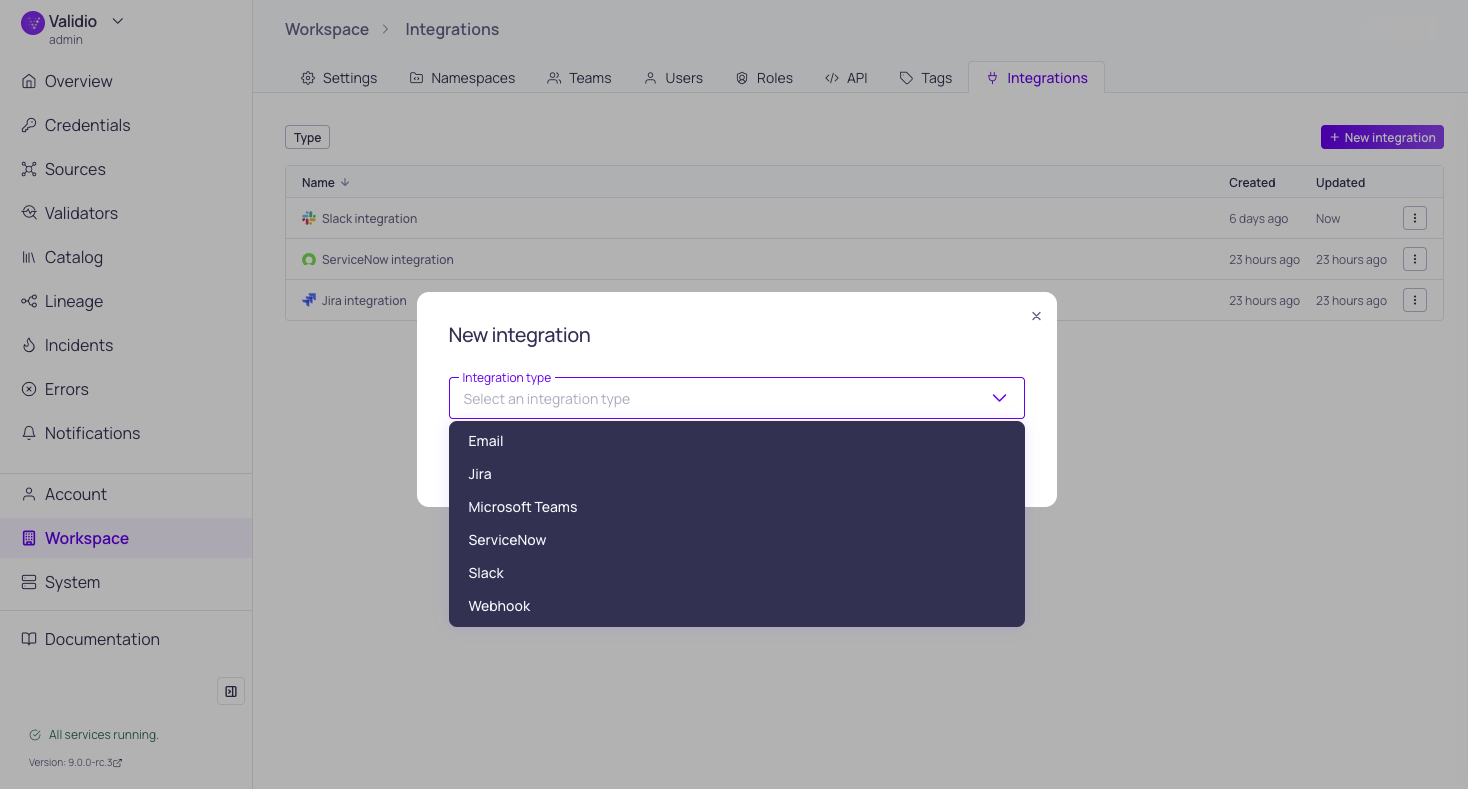
Integration type selection
To add a new integration:
- Navigate to Workspace > Integrations and click + New integration.
- From the Integration type list, select the external service you want to connect (for example, Slack).
- Enter a Name that describes the integration. You will see this name when creating channels, so choose something recognizable (for example, "Production Slack" or "Security Jira").
- Complete the type-specific configuration fields. Refer to the individual integration page for field descriptions and prerequisites.
- (Optional) Click Test integration to verify the connection. Validio uses the integration's credentials to attempt a round trip to the external service.
- Click Create integration.
Most integration types require prior setup in the external service, such as creating an app in Slack or Microsoft Teams, or provisioning a service account in Jira or ServiceNow. Each channel page lists the prerequisites for its integration type.
Update an Integration
To change an integration's configuration or rotate credentials:
- Navigate to Workspace > Integrations.
- Click the ⋮ menu for the relevant integration and select Edit, or open the integration's sidebar and click Edit.
- Update the fields you want to change. You can retype a secret value to rotate it, or leave secret fields unchanged to keep the current value.
- (Optional) Click Test integration to verify the updated configuration.
- Click Update integration.
Channels that reference the integration continue to route alerts using the updated configuration immediately after the update.
Delete an Integration
Deleting an integration removes it from the workspace and the channels that depend on it stop delivering notifications until they are reassigned to another integration.
To delete an integration:
- Navigate to Workspace > Integrations.
- Click the ⋮ menu for the relevant integration and select Delete.
- In the confirmation dialog, review any channels that reference this integration, then click Confirm.
Before deleting an integration, reassign its channels to another integration of the same type or delete the channels. Notification rules attached to channels will not deliver alerts if their channel's integration is missing.
Permissions
Integrations are a workspace-wide resource. Users need the Integrations read permission to view the integrations list and the Integrations write permission to create, update, or delete integrations. For more information, see Managing Roles and About Validio RBAC.
Updated 16 days ago