

Notification Channels
Route incident alerts to your communication tools or external systems.
Route Validio alerts to where your team works. Notification channels deliver incident alerts and other events, such as schema changes and source errors, to your communication tools or external systems. Slack, Microsoft Teams, Jira, and ServiceNow channels also pass on later updates to an incident, such as status changes. Email and webhook channels send only the initial notification.
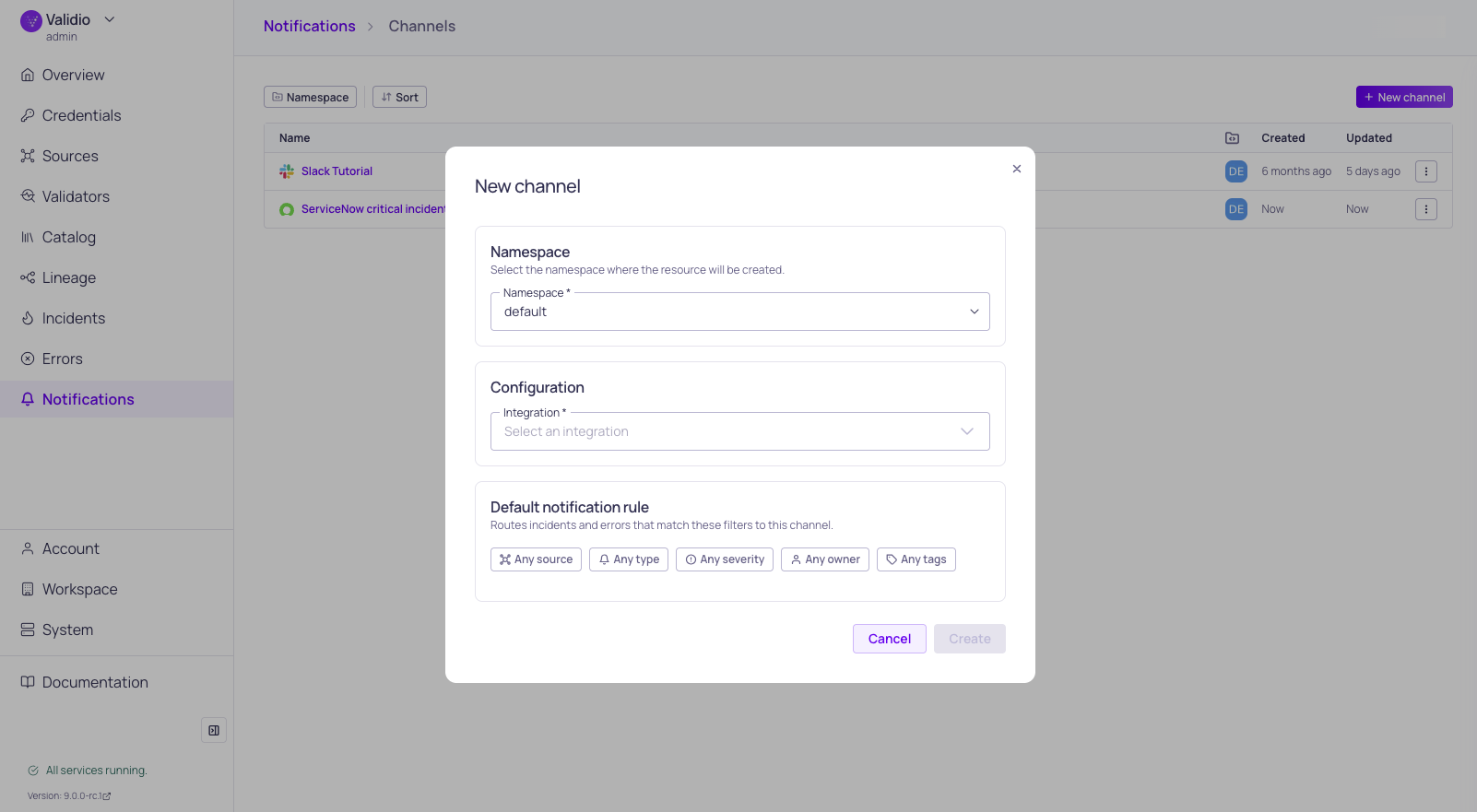
New channel and default rule configuration
Integrations and Channels
Each notification channel references an integration, which stores the connection and credentials for an external service (for example, a Slack workspace or a Jira instance). Channels add the destination details on top of the integration, such as a specific Slack channel ID or a Jira project key. This split lets you manage service credentials in one place and reuse them across many channels.
To set up a new channel, first create an integration of the matching type in Workspace > Integrations, then create the channel in Notifications > Channels and select the integration from the list.
Supported Channels
Post alerts to designated Slack channels.
Post alerts to designated Microsoft Teams channels.
Send rich HTML email notifications.
Create and sync Jira issues from Validio incidents.
Create incidents and sync status updates bidirectionally.
Send JSON payloads to any HTTP endpoint.
Notification Rules
Channels define where alerts go; rules define what gets sent. After configuring a channel, create notification rules on the channel's details page to filter which incidents trigger notifications based on source, severity, tags, or other conditions.
Updated 14 days ago