

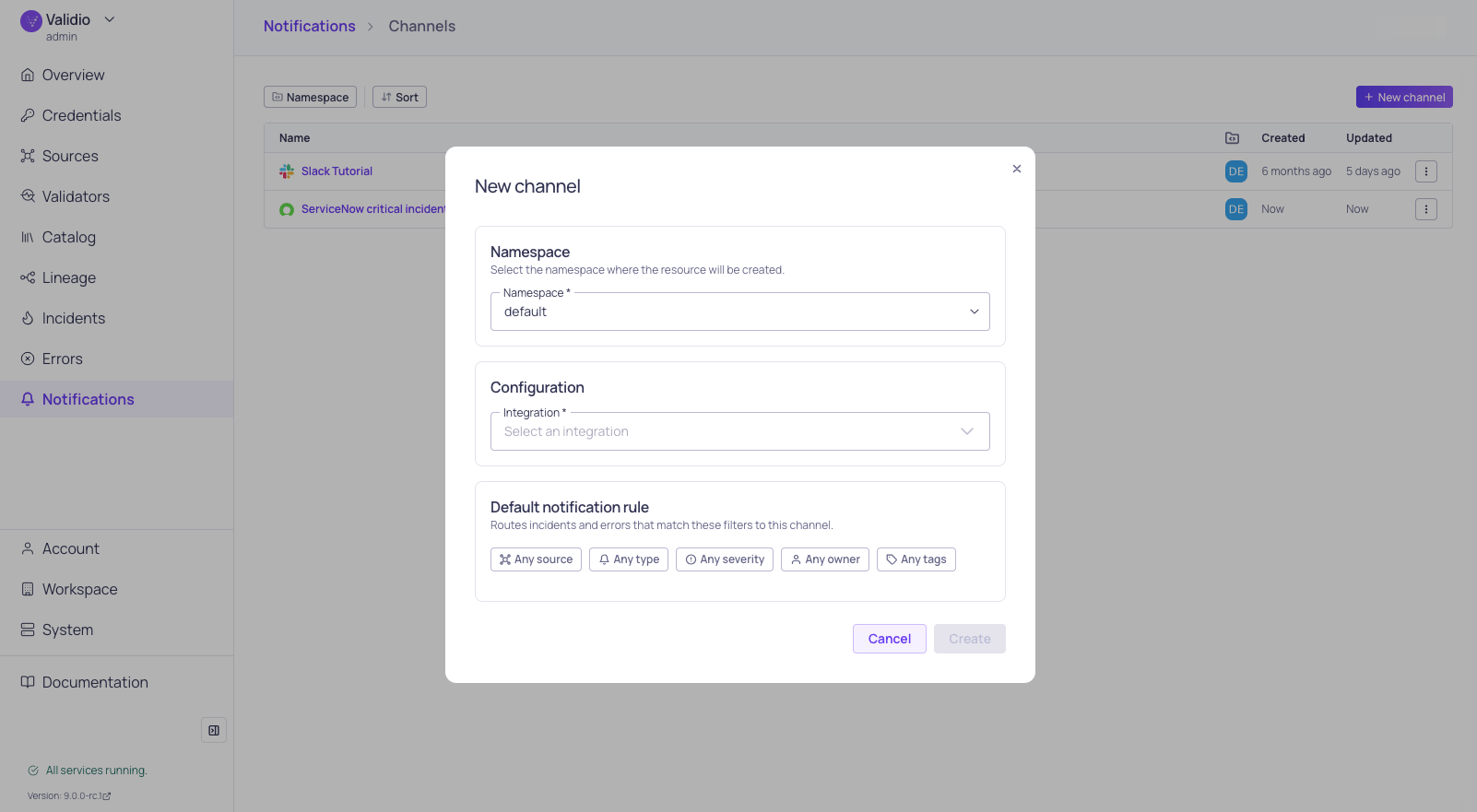
New channel and default rule configuration
Integrations and channels
Each notification channel references an integration, which stores the connection and credentials for an external service (for example, a Slack workspace or a Jira instance). Channels add the destination details on top of the integration, such as a specific Slack channel ID or a Jira project key. This split lets you manage service credentials in one place and reuse them across many channels. To set up a new channel, first create an integration of the matching type in Workspace > Integrations, then create the channel in Notifications > Channels and select the integration from the list.Supported channels
Slack
Post alerts to designated Slack channels.
Microsoft Teams
Post alerts to designated Microsoft Teams channels.
Send rich HTML email notifications.
Jira
Create and sync Jira issues from Validio incidents.
ServiceNow
Create incidents and sync status updates bidirectionally.
Webhooks
Send JSON payloads to any HTTP endpoint.