

Account
Your Account page shows your profile information, including your assigned namespaces and permissions. Use this page to update your name and contact information and change your password.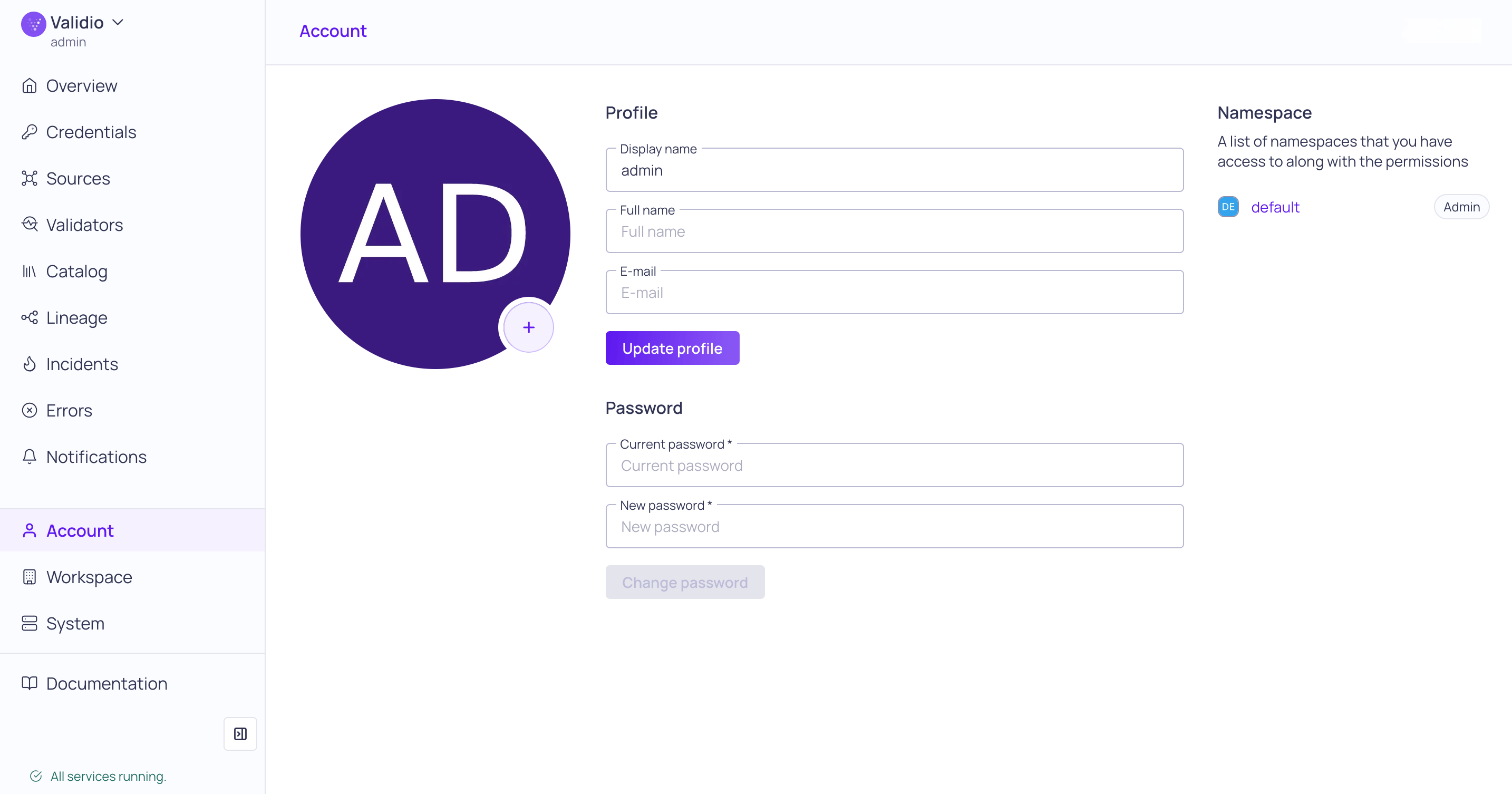
Account page
Password requirements
Password requirements
Passwords must be at least 10 characters and:
- Include at least one uppercase character
- Include at least one lowercase character
- Include at least one number
- Include at least one special character
- Does not include more than 2 equal consecutive characters
- Does not include your username, common password key words (such as password), or words related to your company (such as company name)
Workspace
Use Workspace to manage the platform-wide Settings, including namespaces, teams, users, tags, and API configurations.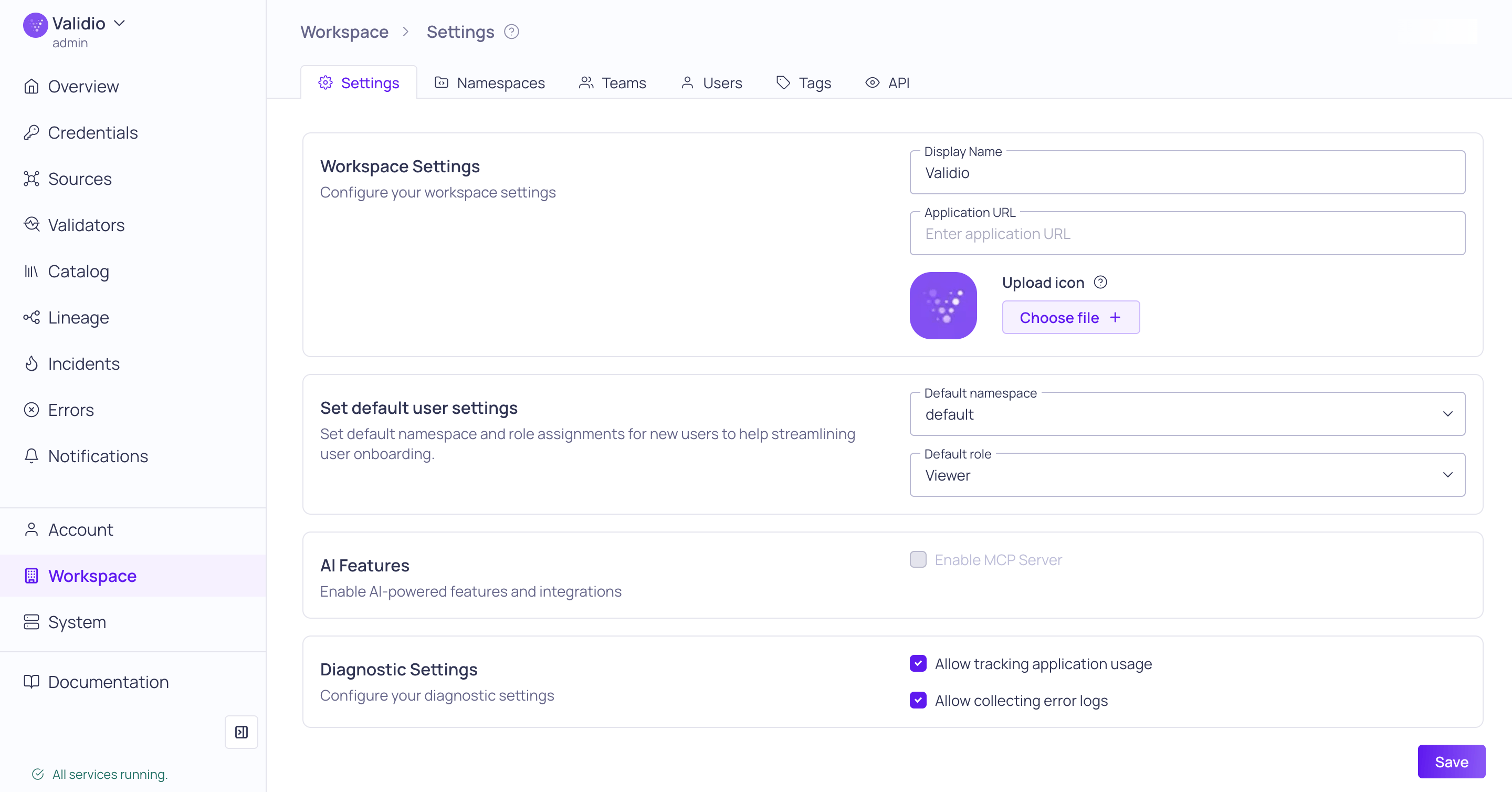
Workspace > Settings page
System
View Validio service names, versions, and status indicators (Normal or Unavailable).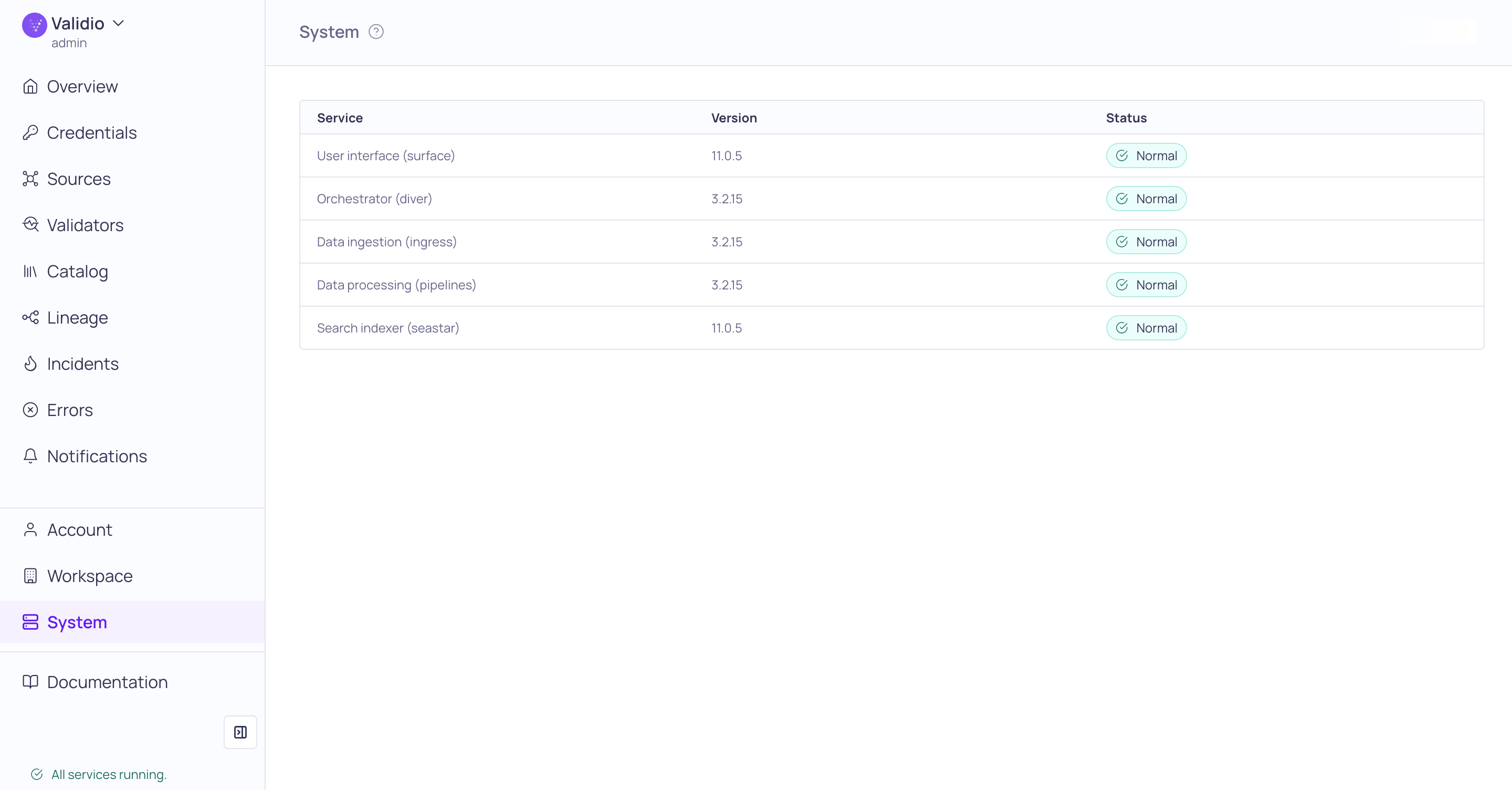
System monitoring page