

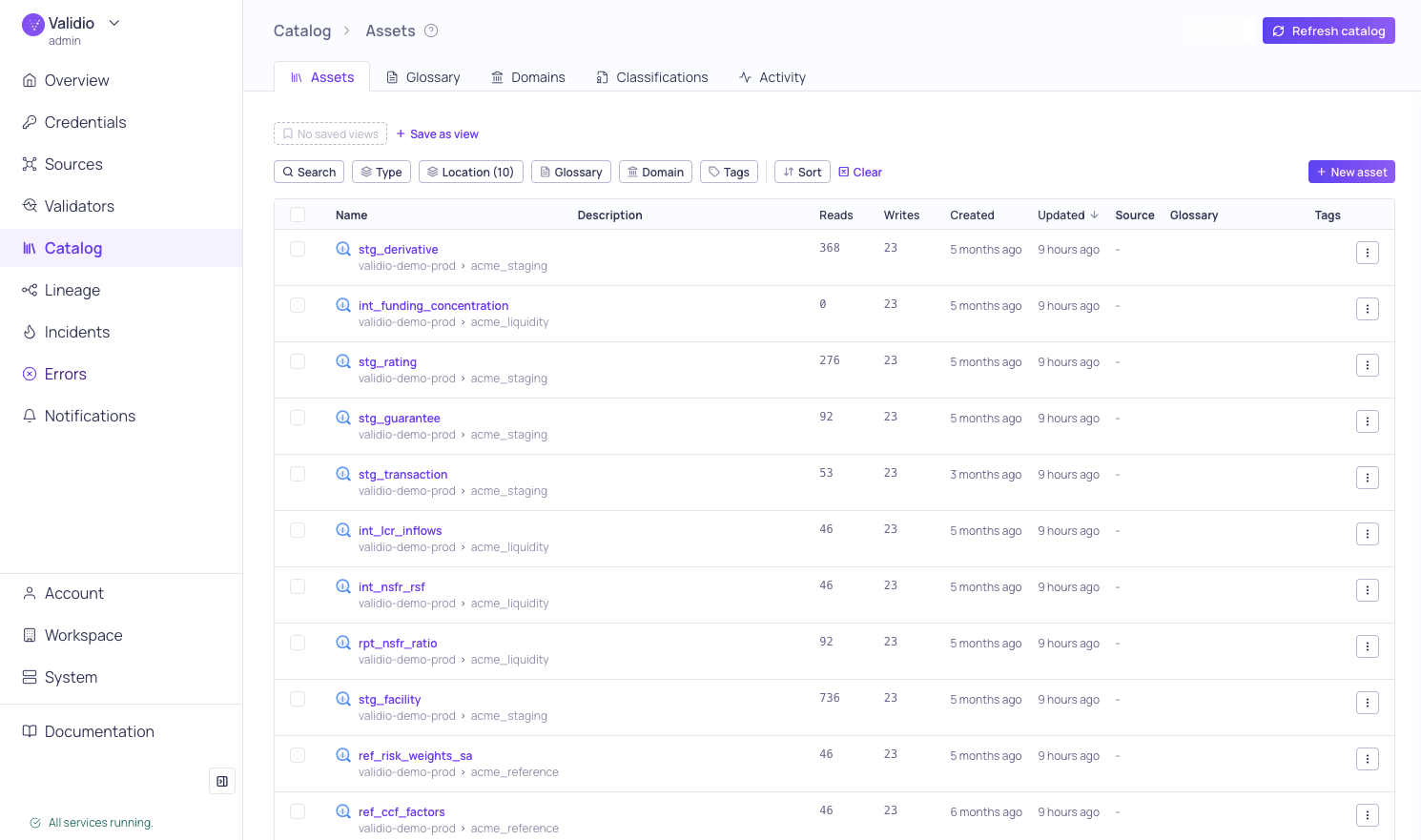
Catalog > Assets tab
- Assets–Browse and manage your discovered catalog assets (tables, streams, BI tools, and dbt). Asset lists include glossary terms, tags, reads, writes, and other metadata. For more information, see Catalog Assets.
- Glossary–Define and manage business terms that provide consistent data definitions across your organization. Assign terms to assets and fields, import via CSV, and propagate terms through lineage. For more information, see Business Glossary.
- Domains–Create organizational categories for grouping glossary terms and assets by business area. For more information, see Domains.
- Classifications–Tag glossary terms as Critical Data Elements, Regulatory Scope, or Data Sensitivity to drive governance, compliance, and data quality coverage. For more information, see Classifications.
- Activity–Review the history of catalog discovery jobs. Each entry shows the status of a catalog job (started, completed, or failed), a description of the activity, and the date, with the most recent first.