

2 June 2023
Filter and sort segments
For each Validator, you can now sort and filter Segments in the Validator details page:- Sort incidents either in ascending or descending order, or on muted Segments.
- Filter values in the Segments. In a sequence of 0 or more characters, you can add
_to match any single character, or use%as wildcard.
New metrics: SUM and SUM_RATIO
We’ve added new metrics for the following Validator types:- Numeric Validator:
Sum - Numeric Distribution:
Sum ratio
31 May 2023
Improvements & fixes
- Added Boolean expression as Filter type.
20 April 2023
Say hello to our new UI!
We want to improve and streamline your experience, meaning that we’ve introduced, replaced, and removed some key concepts.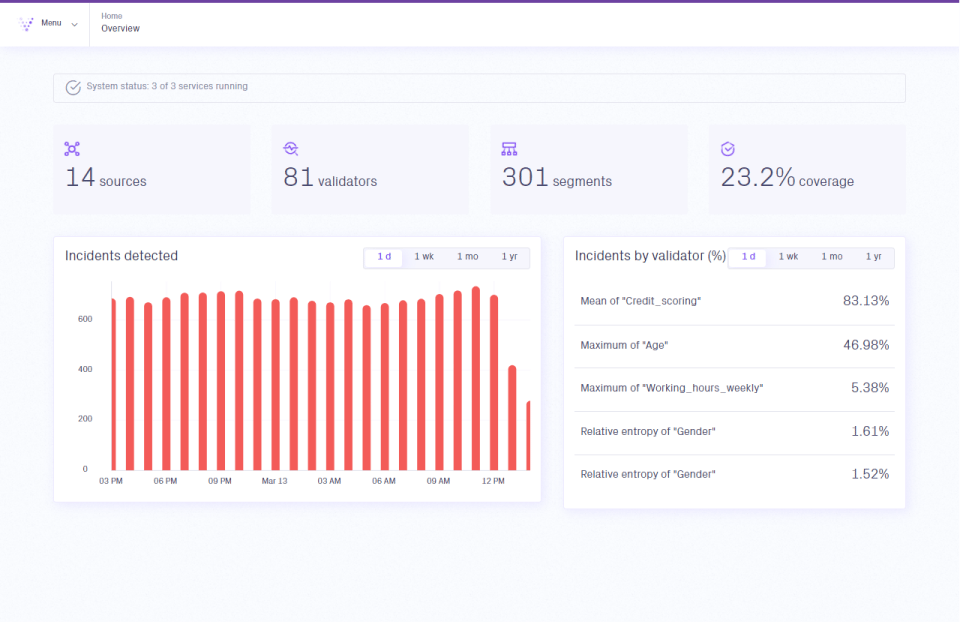
New Validio UI - Home Overview.
Introducing: validators
Get familiar with our new key concept: Validators!Configure a Validator to monitor data from your source and track a specific metric from one or more fields. Then, set up a threshold to catch incidents in the data validation.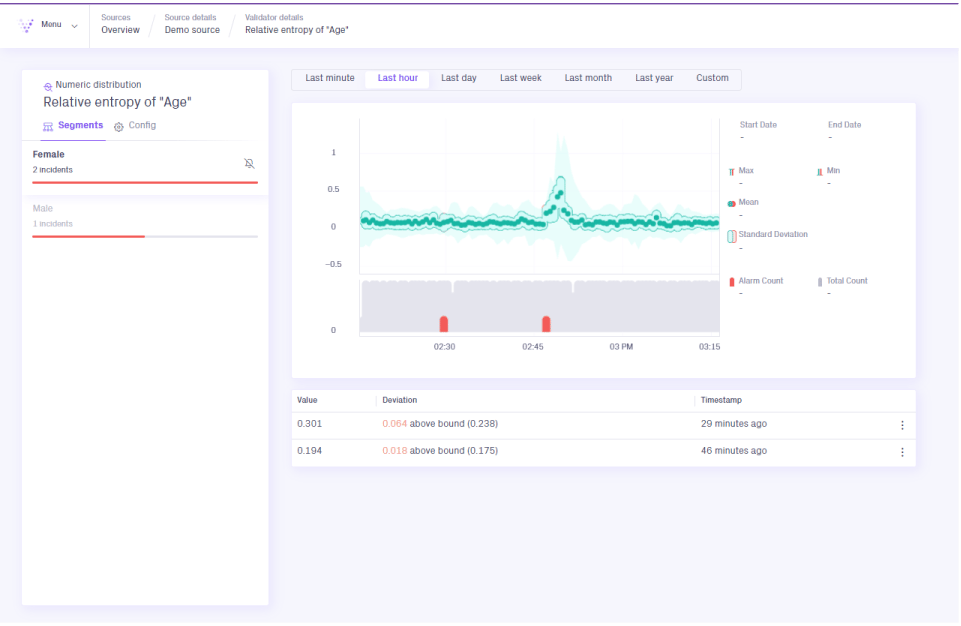
Validio UI - Validator details page.
Recommended validators
Validio can set up certain Validators to help you get started with your data monitoring. All you need to do is choose which Validator(s) you want to create from a list of recommendations.Backfilling
Validio now supports backfilling. Use the backfill option to load and view historical data in your validations.Improvements
- Credentials are now configured independently. This means that you can reuse your credentials for any source or destination that requires the same authentication.
- We have updated all our configuration wizards. Some of the highlights are:
- Windows - required to calculate and validate metrics on a dataset in your source
- Segmentations - subset your data from a source to validate metrics on.
- Notifications rules and channels - group and send incidents to channels of your choice, such as Slack and Webhooks.