

Changelog 8.0
Validio 8.0 introduces the reconciliation validator and improves resource management with support for moving sources between credentials and resetting validators.
New Reconciliation Validator
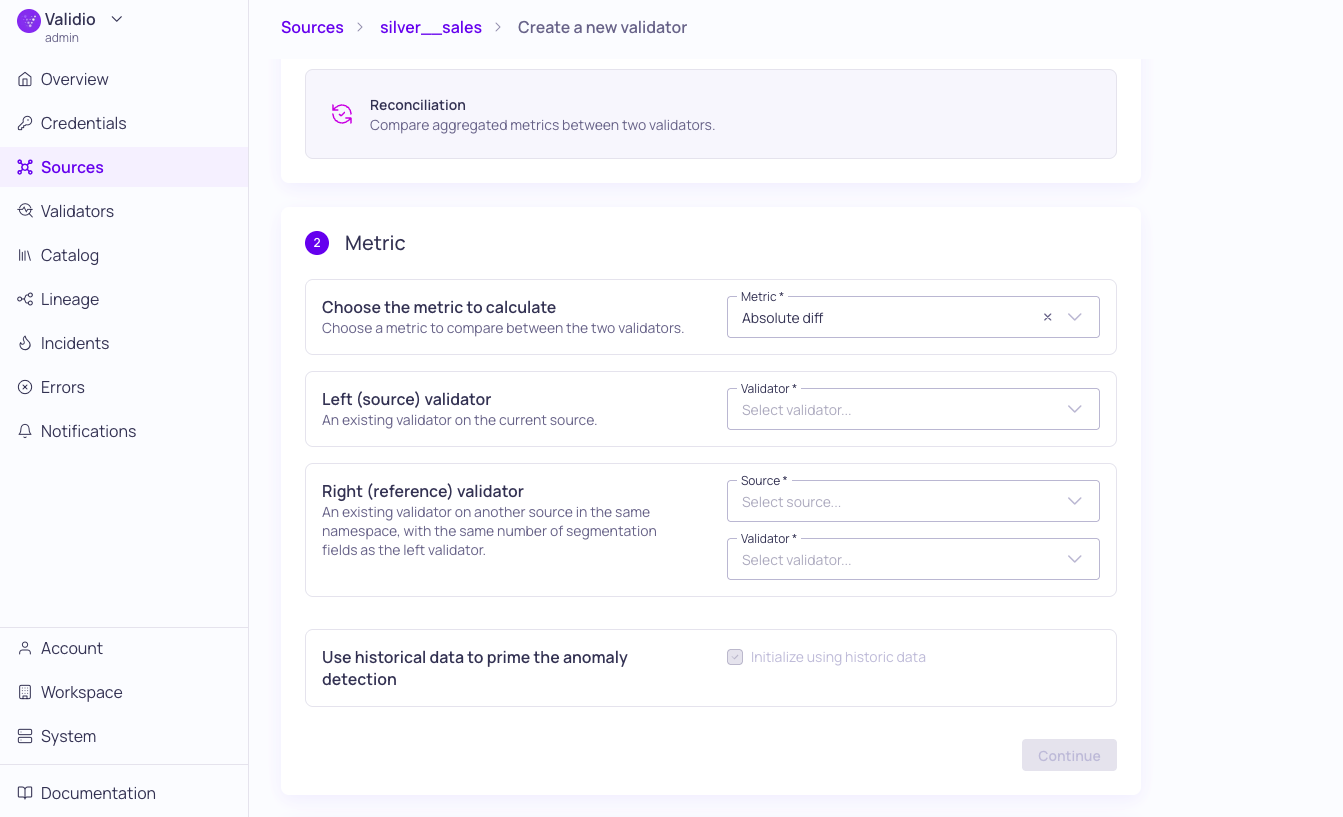
Reconciliation validator Metric configuration
The new Reconciliation Validator compares metric results across two validators on different sources to monitor cross-source consistency. Key capabilities include:
- Cross-source comparison: Select a left (source) and right (reference) validator, then calculate a comparison metric — Absolute Diff, Diff, Ratio, or Sum — between their outputs.
- Automatic polling: Runs automatically when its source or reference validators produce new metrics, with no separate polling schedule required.
- Segmentation mapping: Supports segmentation across validators with field mapping for non-matching segmentation fields.
- Flexible window support: Works with Global and Tumbling windows, with full backfill on every run.
Example use case: Verify that row counts, aggregate values, or other metrics stay consistent between a production database and a downstream analytics warehouse.
For configuration details, see Reconciliation Validator in the product documentation.
Improved Resource Management
This release introduces more flexibility to how you organize and maintain your data environment within Validio. You can now move sources between credentials (and namespaces) and reset validators without the need for manual re-configuration, ensuring that your monitoring remains stable while your enterprise architecture evolves.
Moving Sources between Credentials
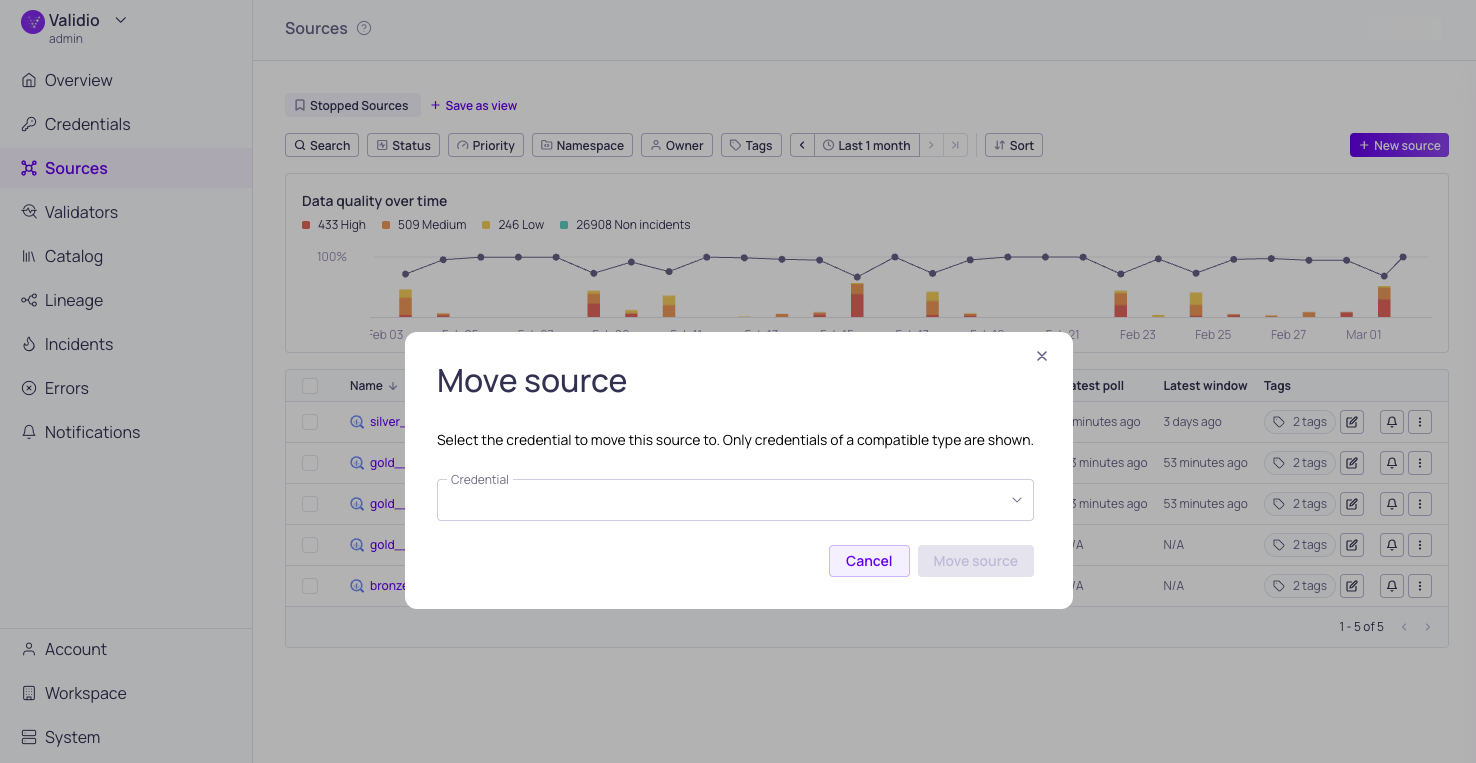
Move source dialog window
You can now migrate sources -- along with all associated validators and resources -- between compatible credentials and across namespaces. The new Move source feature eliminates the need to manually recreate configurations or repopulate data when restructuring your monitoring environment.
Learn more in the Managing Sources documentation.
Resetting Individual Validators
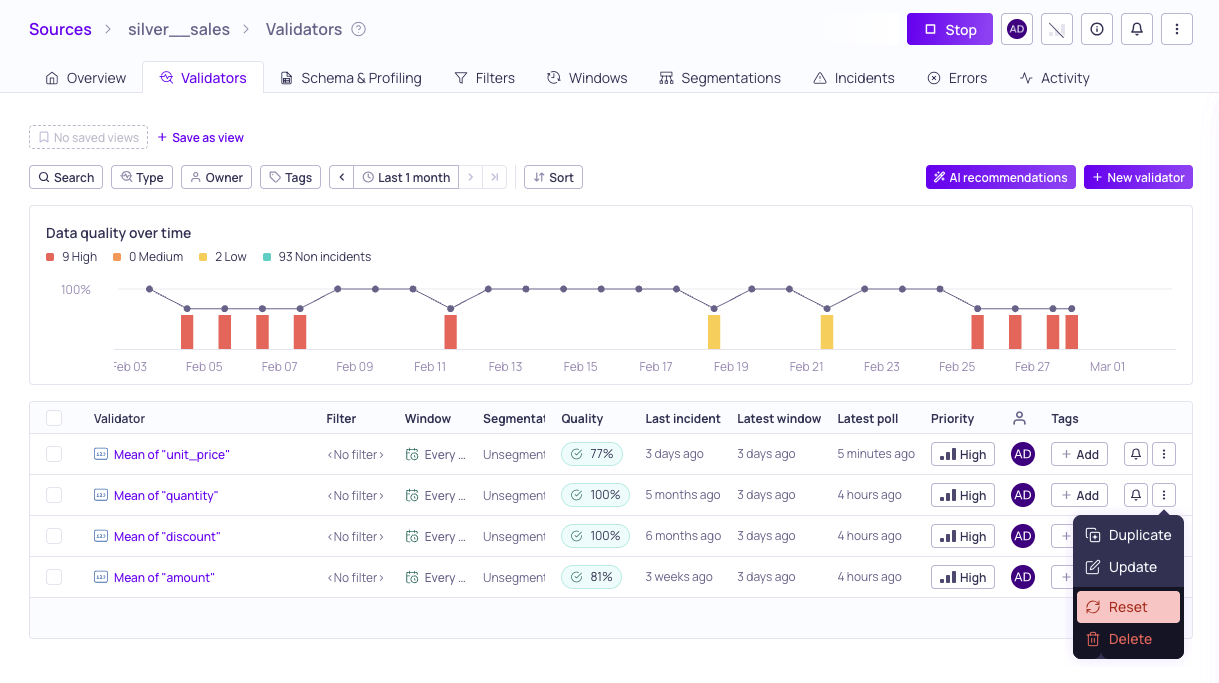
Reset validator action
You can now reset individual validators without affecting the rest of your source data. Resetting a validator deletes all existing metric data, incidents, and artifacts from the selected validators and places them into a pending backfill mode. This granular approach allows you to trigger targeted backfills and update thresholds without the risk of disrupting your existing integrations.
Learn more in the Managing Validators and Updating Threshold Settings documentation.
8.0.3
Fixed Issues
- Fixed an OAuth authentication issue for the MCP server (UI-5989)
8.0.2
Validio 8.0.2 was released on 11 March 2026.
Fixed Issues
- Fixed syncing issues between the graph and time range settings (UI-5722)
- Fixed row limit defaults and placeholder text for sampling and profiling (UI-5886)
- Fixed issues with creating teams
Features & Updates
- Added option to pick a credential when sampling and profiling catalog assets (UI-5928)
- Lists in Workspace dialogs are now searchable (UI-5931)
- Updated descriptions for consistency in configuration wizards across the platform (PRO-970)
- Updated Workspace > Roles to show count of teams, users, and API keys under Assignee column (UI-5842)
8.0.1
Validio 8.0.1 was released on 6 March 2026.
Fixed Issues
- Resolved a race condition that occurred when replacing a Validator Threshold (UI-5899)
- Fixed an issue where the Actions menu remained active even when no actions were available (UI-5706)
- Fixed credential option errors within the Move Source dialog specifically for SQL sources (UI-5900)
- Fixed a logic error causing segment usage to be throttled to "minimal" more frequently than intended (UI-5914)
- Fixed an issue with the MCP making faulty requests when fetching validators (UI-5913)
- Users can now update Snowflake credentials with an empty passphrase when required by the configuration (VR-5251)
Features & Updates
- You can now cancel long running profiling jobs (VR-5239, UI-5907)
- You can now update the name and role of existing API keys (UI-5867, UI-5890)
- Renamed Partition filter settings (used in profiling, sampling, and recommendations) to Lookback filter (VR-5259)
- The
credentialSecretChangedAPI is now public, allowing for easier integration and automation (UI-5912)
8.0.0
Validio 8.0.0 was released on 2 March 2026.
Deprecations & Removals
- Removed Seastar and Meilisearch services (UI-5873)
Fixed Issues
- Fixed issues with data type checks for recommendations (UI-5884)
- Added checks for additional sessions when logging in (UI-5887)
- Improved the table sample behavior for Redshift and Azure (VR-5240, VR-5231, VR-5224)
- Ensure bytes are converted to string during sampling (VR-5217)
Features & Updates
- Added support for moving sources between credentials (UI-5796)
- Added new reconciliation validator type (UI-5693)
- Added API support for copying a validator (VR-5149)
- Added support for configurable time range in RCA (VR-5223)
- Added the ability to reset validators to their default state (UI-5858)
- Refactored the Duplicate action in the Update Thresholds dialog to use the new copy and reset workflows (UI-5882)
- Converted listed resource names (for example, filters and segments) into hyperlinks for faster navigation and better UX (UI-4616)
- Improved the UX for profiling and sampling (UI-5889)