

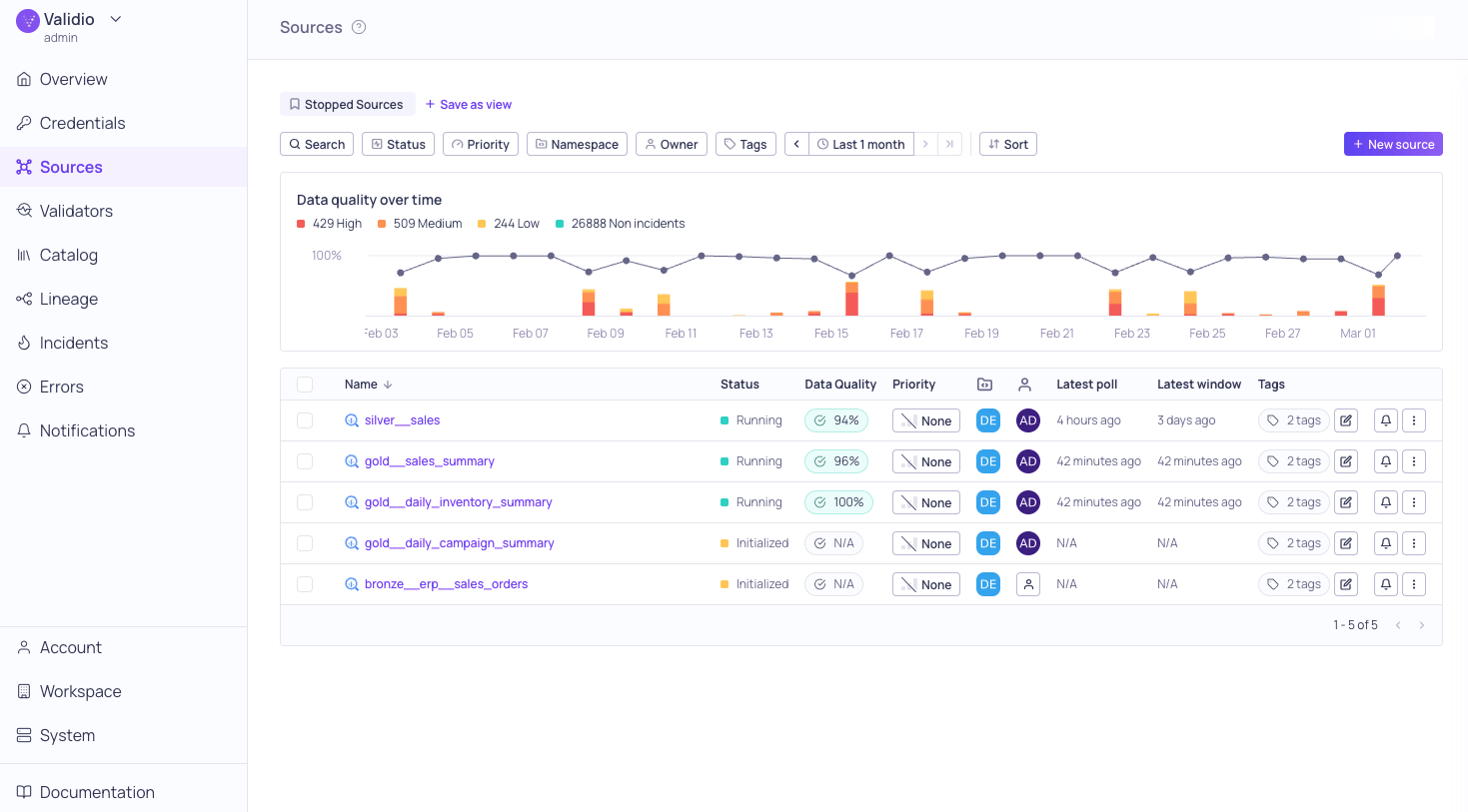
Global Sources page
Supported data sources
The following is a list of supported data sources. You can find instructions to connect Validio to each source on their dedicated pages.Data Warehouse Sources
Query Engine Sources
Transactional Databases
In the Source configuration UI, supported query engine and transactional database sources are listed under Data Warehouse.
Configuring a source
To add and configure a source, you need to:- Add a credential to give Validio access to your data system. For more information, see About Credentials.
- Specify the dataset (table, topic, or custom SQL query) that you want to monitor.
- Define a polling schedule for how often Validio reads data from the source. For data streams, data is read as soon as it is available.
- Assign a priority (None, Low, Medium, High, or Critical) to indicate the importance of issues detected on the source.
sources:WRITE permissions. For more information, see About Validio RBAC. For step-by-step instructions, see Add a New Source. If you already have credentials configured, you can also convert discovered assets into sources from the Catalog or Lineage pages.