

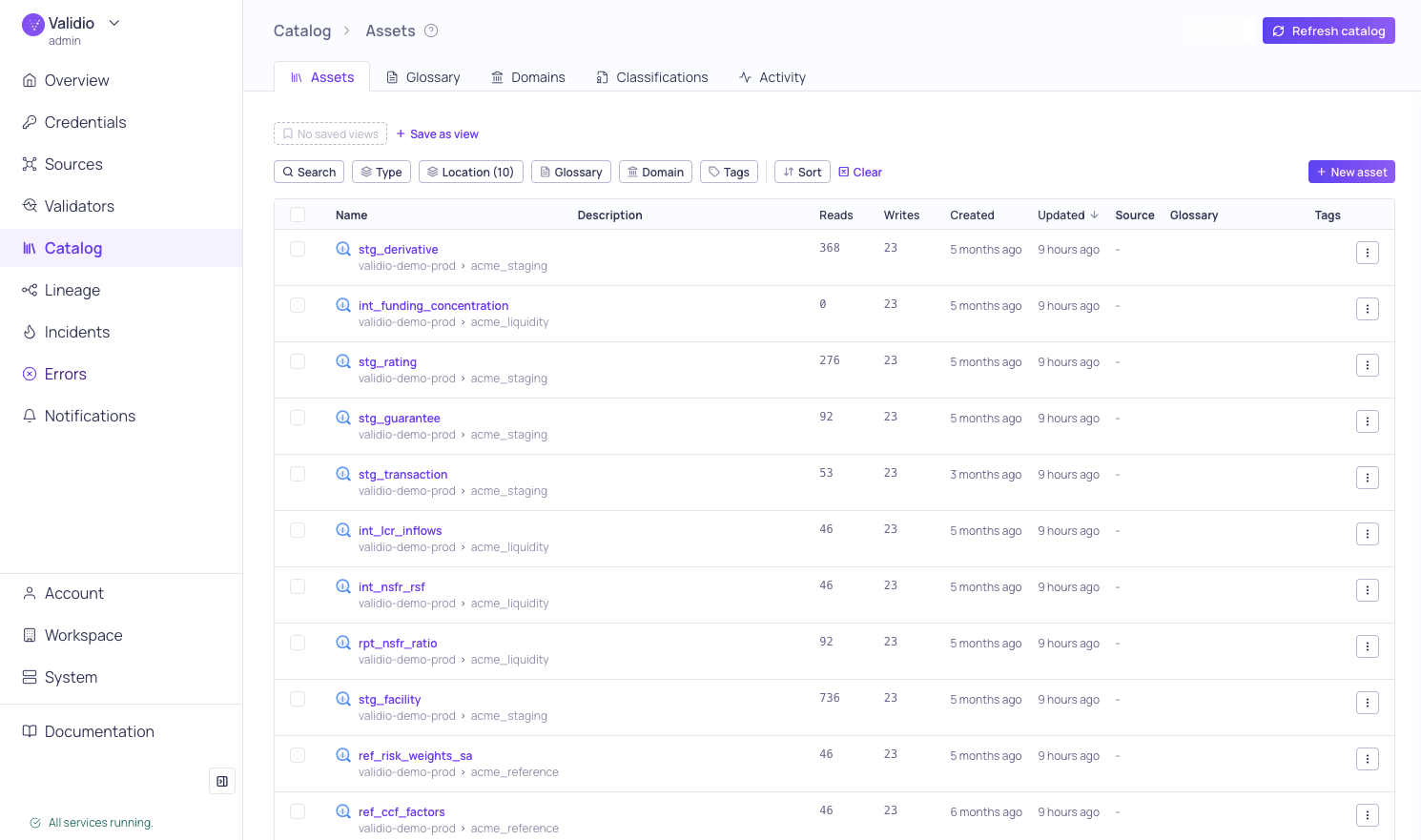
Catalog > Assets tab
- Assets–Browse and manage your discovered catalog assets (tables, streams, BI tools, and dbt). Asset lists include glossary terms, tags, reads, writes, and other metadata. For more information, see Catalog Assets.
- Glossary–Define and manage business terms that provide consistent data definitions across your organization. Assign terms to assets and fields, import/export via CSV, and propagate terms through lineage. For more information, see Business Glossary.
- Domains–Create organizational categories for grouping glossary terms and assets by business area. For more information, see Domains.
- Classifications–Tag glossary terms as Critical Data Elements, Regulatory Scope, or Data Sensitivity to drive governance, compliance, and data quality coverage. For more information, see Classifications.
- Activity–Review the history of catalog discovery jobs. Each entry shows the status of a catalog job (started, completed, or failed), a description of the activity, and the date, with the most recent first.